Appearance
Lifecycle and gates
specflow maintains two state machines that evolve independently after they synchronize at the promotion gate. One machine tracks content readiness of each Markdown document; the other tracks execution state of each wave and slice. Three gates connect them.
The two axes — one diagram
mermaid
flowchart LR
    subgraph CR["📜 Content readiness — lives in MD frontmatter"]
        direction TB
        E[empty]
        D["epic_defined / milestone_defined / wave_defined / slice_defined"]
        E -- "ticket checklist --promote" --> D
    end
    subgraph EX["⚙️ Execution state — lives in SQLite"]
        direction TB
        DR[draft]
        RD[ready_to_dev]
        CL[claimed]
        IP[in_progress]
        DN[done]
        DR -- promote --> RD
        RD -- claim --> CL
        CL -- "ticket status in_progress" --> IP
        IP -- done --> DN
    end
    CR -.->|"gate: must be 'wave_defined' +<br/>all slices 'slice_defined'"| EX
Two independent axes, one one-way gate between them: you cannot promote a wave to ready_to_dev until its content is wave_defined and all its slices are slice_defined. After that, content and execution evolve independently.
Gate 1 — promotion (draft → ready_to_dev)
promoteWave rejects unless the wave's execution state is draft, the wave document's content status is wave_defined, every child slice's content status is slice_defined, and the wave has at least one child slice. Failing any condition returns a structured error with no DB mutation.
mermaid
flowchart TD
    A["ticket promote E/M/W"] --> B{state == draft?}
    B -- no --> R1[❌ not in draft]
    B -- yes --> C{wave content == wave_defined?}
    C -- no --> R2[❌ content not ready]
    C -- yes --> D{all slices slice_defined?}
    D -- no --> R3[❌ slices not defined]
    D -- yes --> E{has at least one slice?}
    E -- no --> R4[❌ no slices]
    E -- yes --> S[✅ wave_state := ready_to_dev]
Gate 2 — completion (in_progress → done)
completeWave requires every child slice to have slice_state.status = 'done', plus an explicit --branch and --pr argument. The first requirement means the only way to mark a wave done is to first mark every slice done individually — no bulk shortcut. The second couples the wave's "done" claim to a concrete reviewable artefact in the host VCS.
Gate 3 — slice ordering (within a wave)
Unlike Gates 1 and 2, this gate is not enforced by the CLI. slice-done accepts slices in any numerical order. Sequential execution is enforced by the agent protocol rather than by SQLite, which is the deliberate split: the CLI shouldn't refuse a human operator, but agents shouldn't reorder.
The wave state diagram
mermaid
stateDiagram-v2
    direction LR
    [*] --> draft
    draft --> ready_to_dev: promote
    ready_to_dev --> claimed: claim
    claimed --> in_progress: status in_progress
    in_progress --> done: done
    draft --> draft: reset
    ready_to_dev --> draft: reset
    claimed --> draft: reset
    in_progress --> draft: reset
reset is the universal escape hatch — it bypasses the whitelist and forces draft. Use sparingly; it discards the record of who claimed the wave and what branch was created.
The state diagram on the actual board
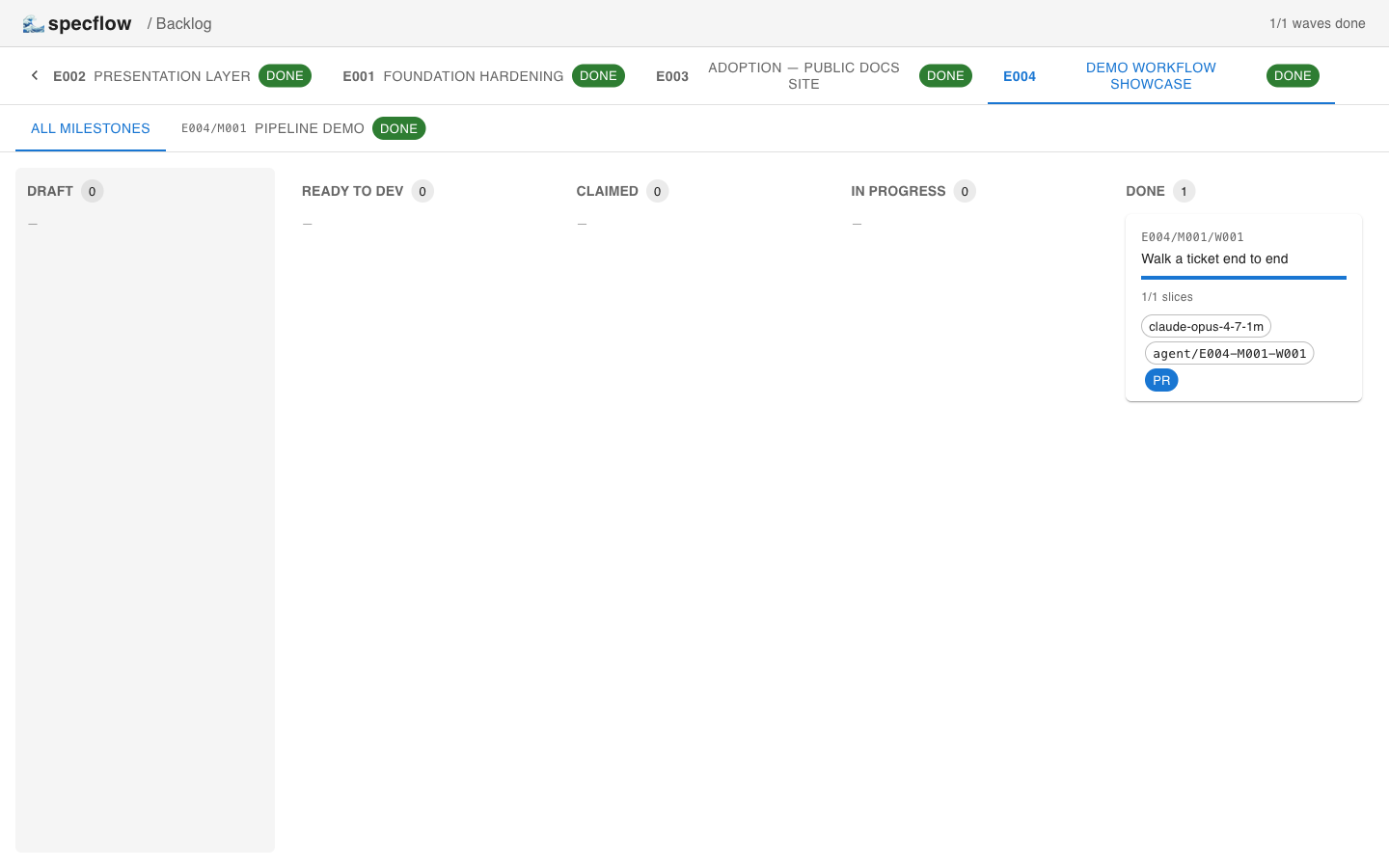
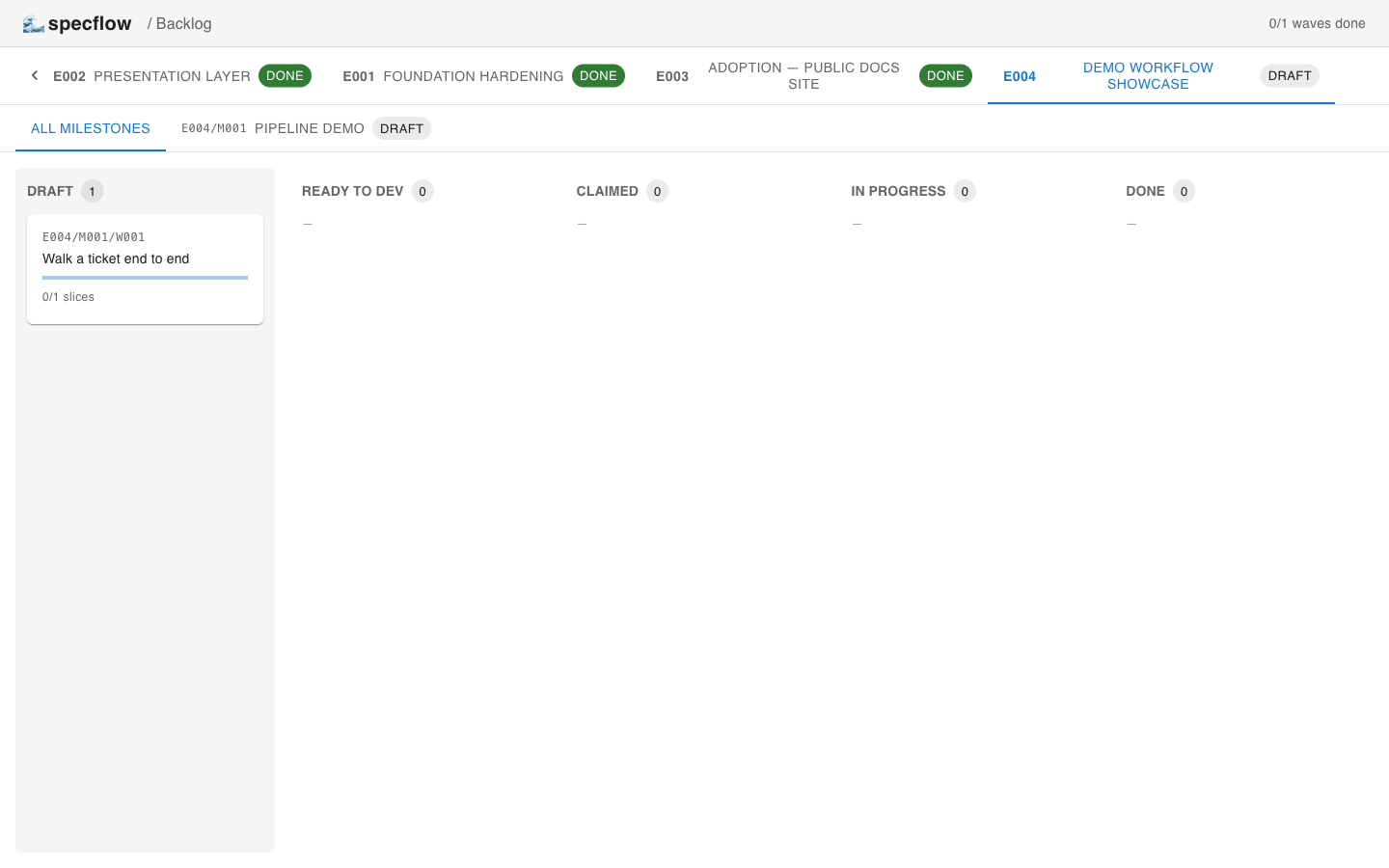
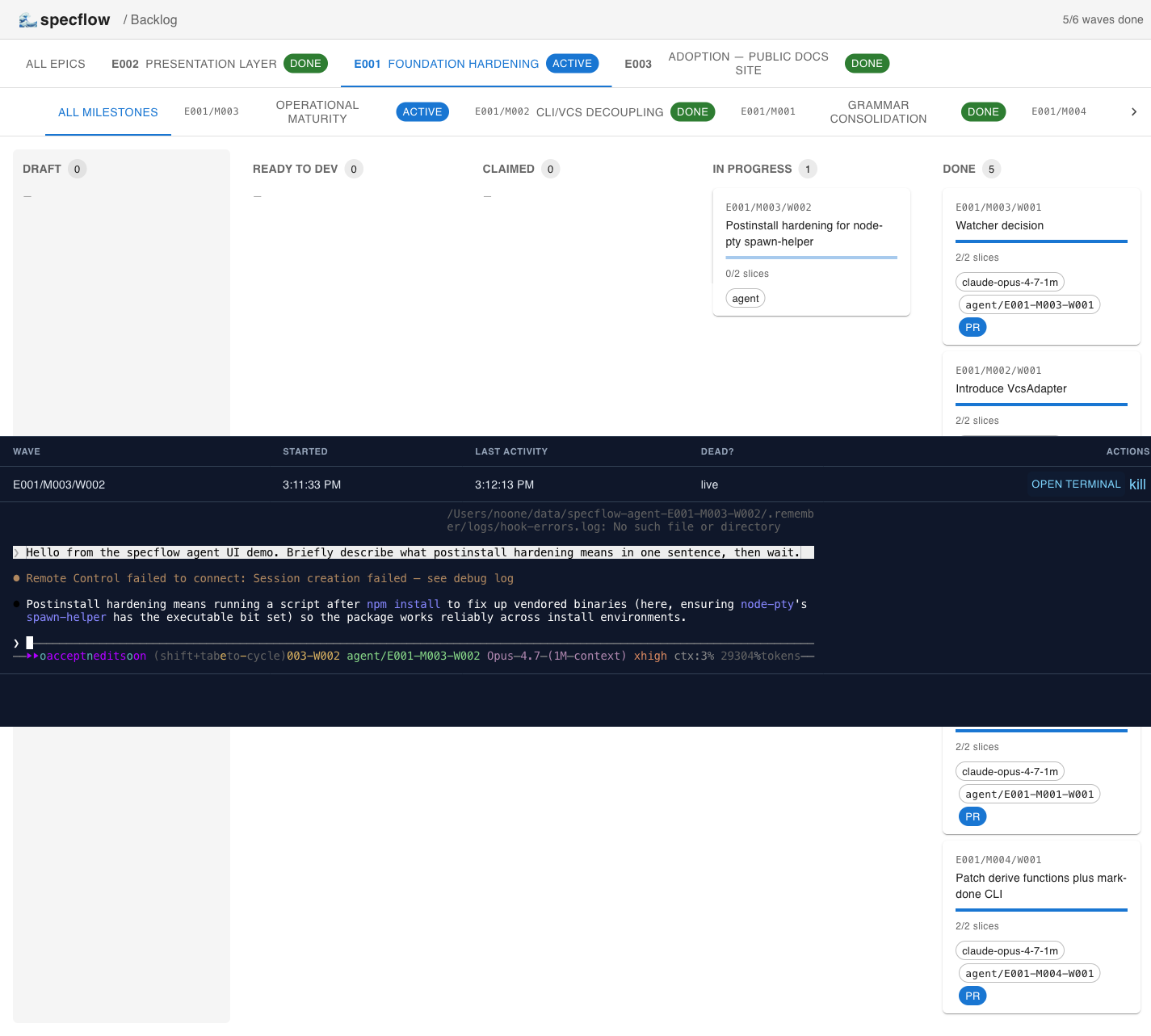
The kanban renders one column per execution state. Watch the same wave move through all five.
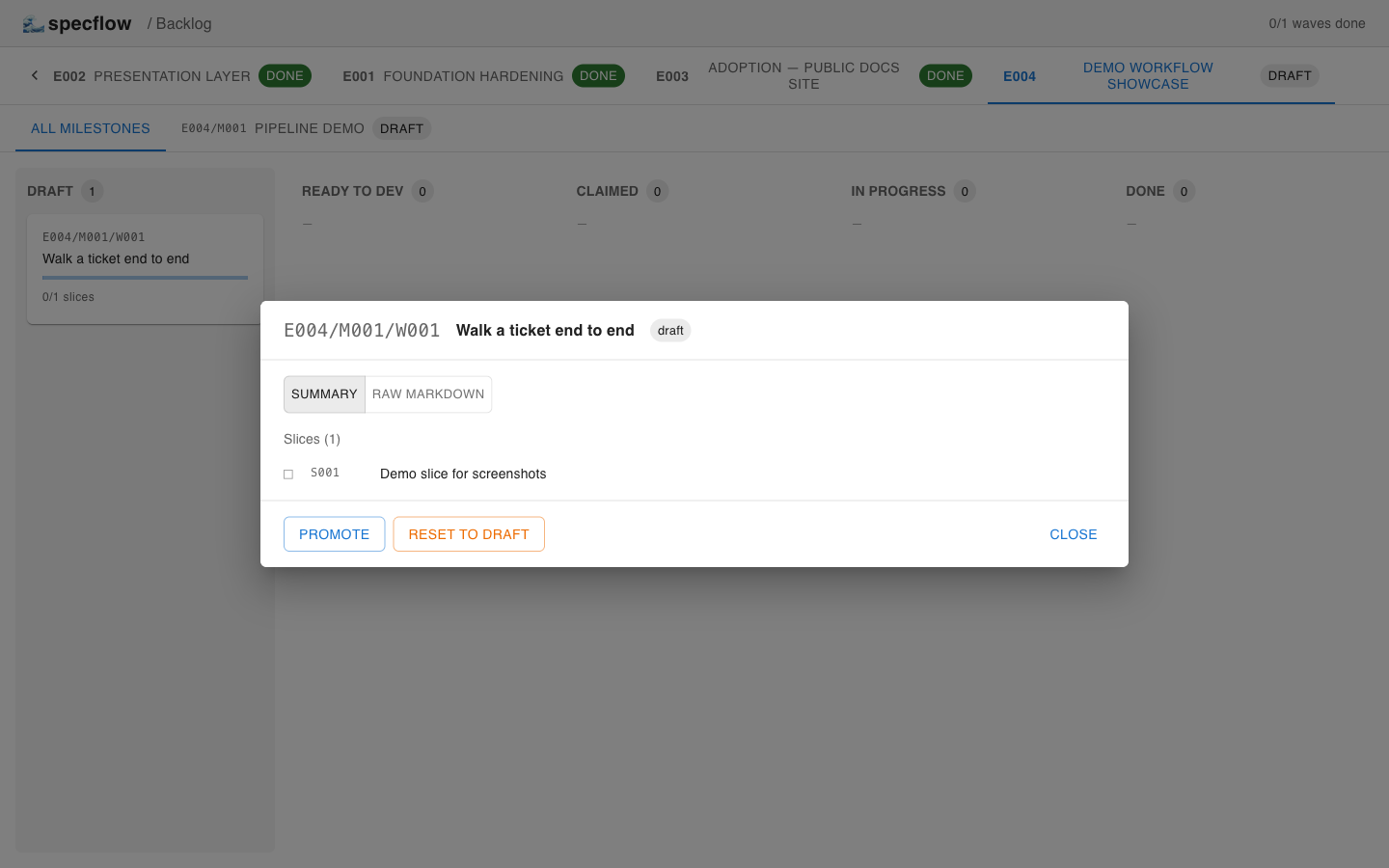
draft
The wave was just created. The body is empty section headings; the modal exposes Promote and Reset to draft.
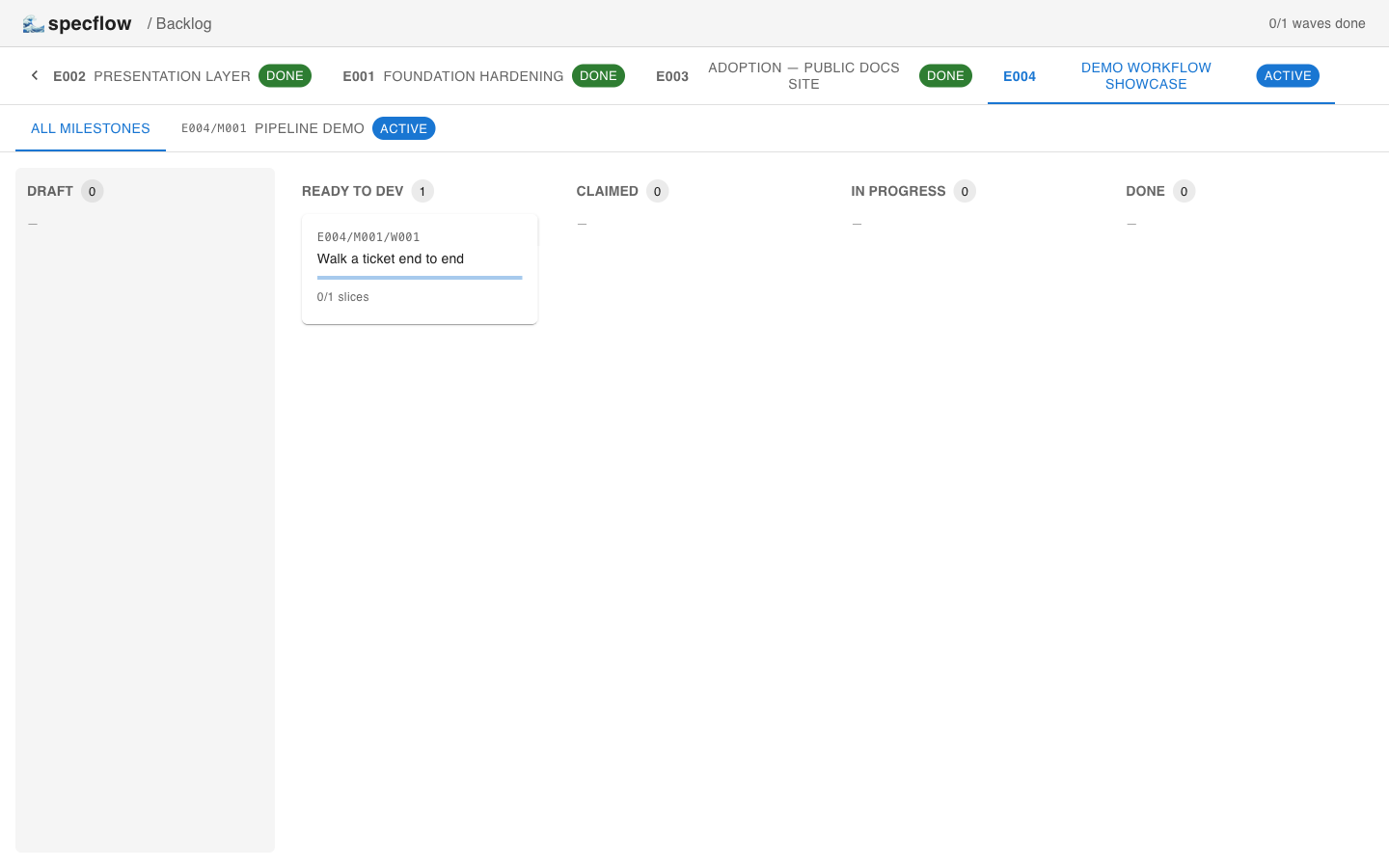
ready_to_dev
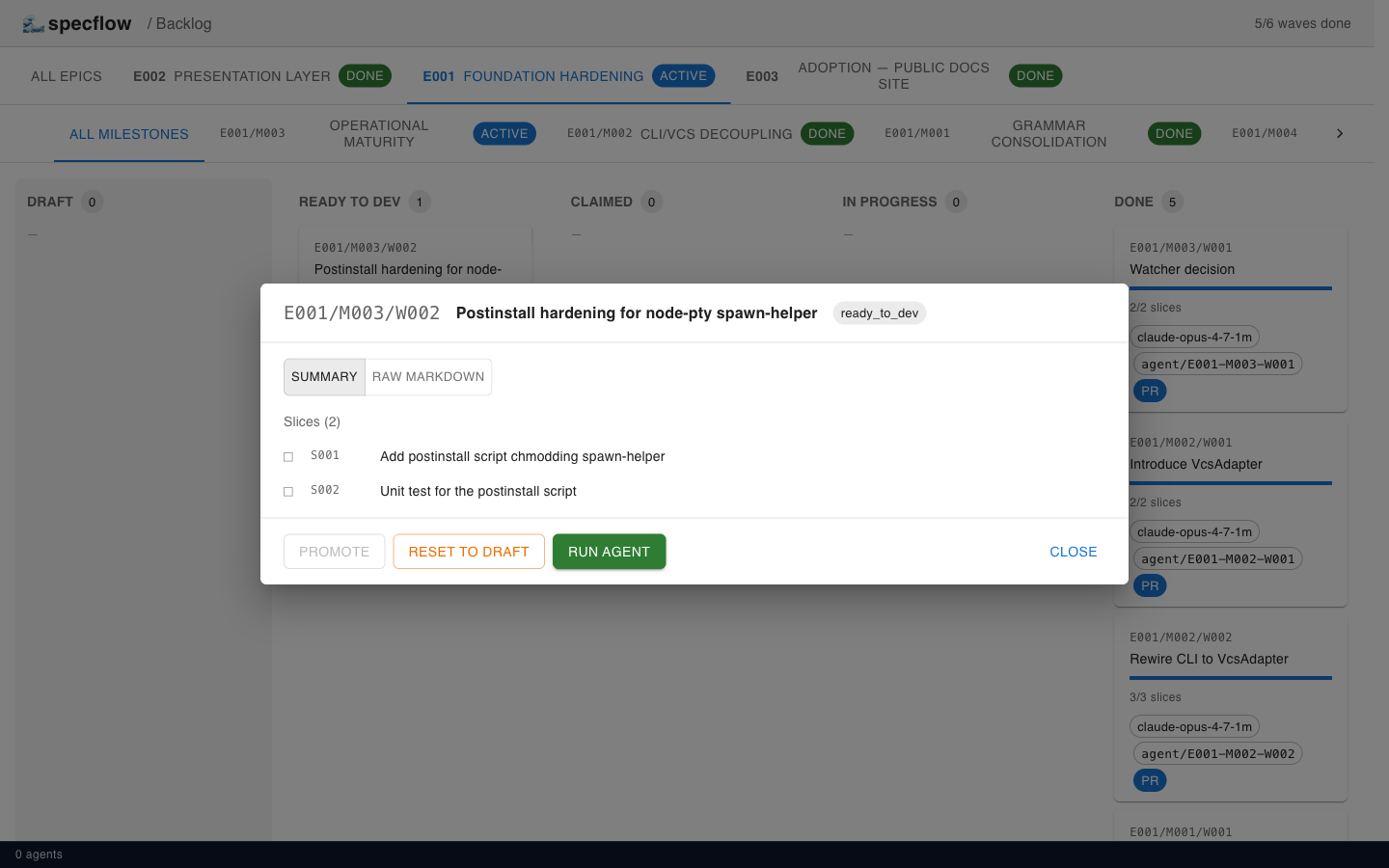
After Gate 1 passes, the wave moves right and a green Run agent appears.
claimed
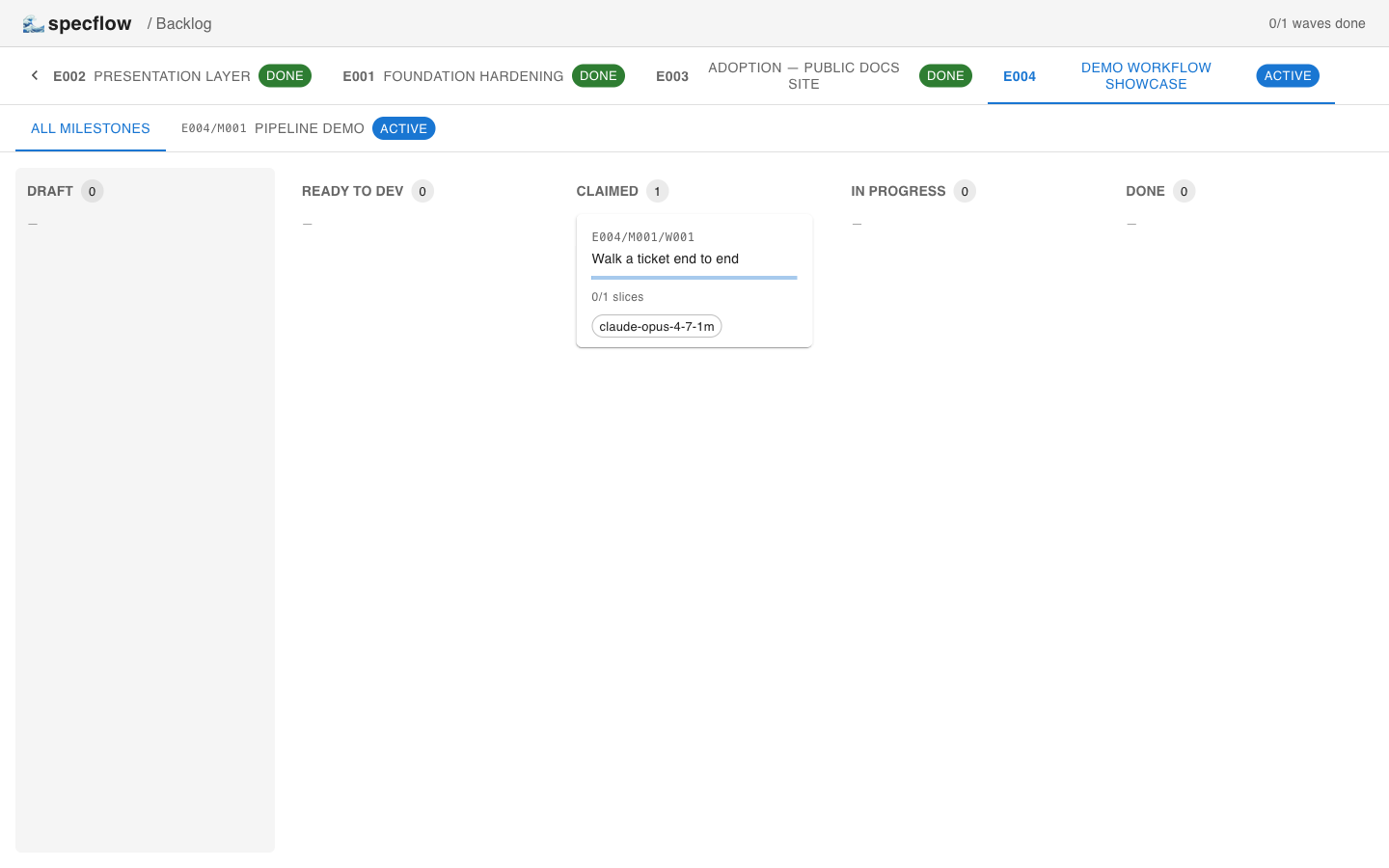
claim records the actor. The card now shows the agent identifier.
in_progress
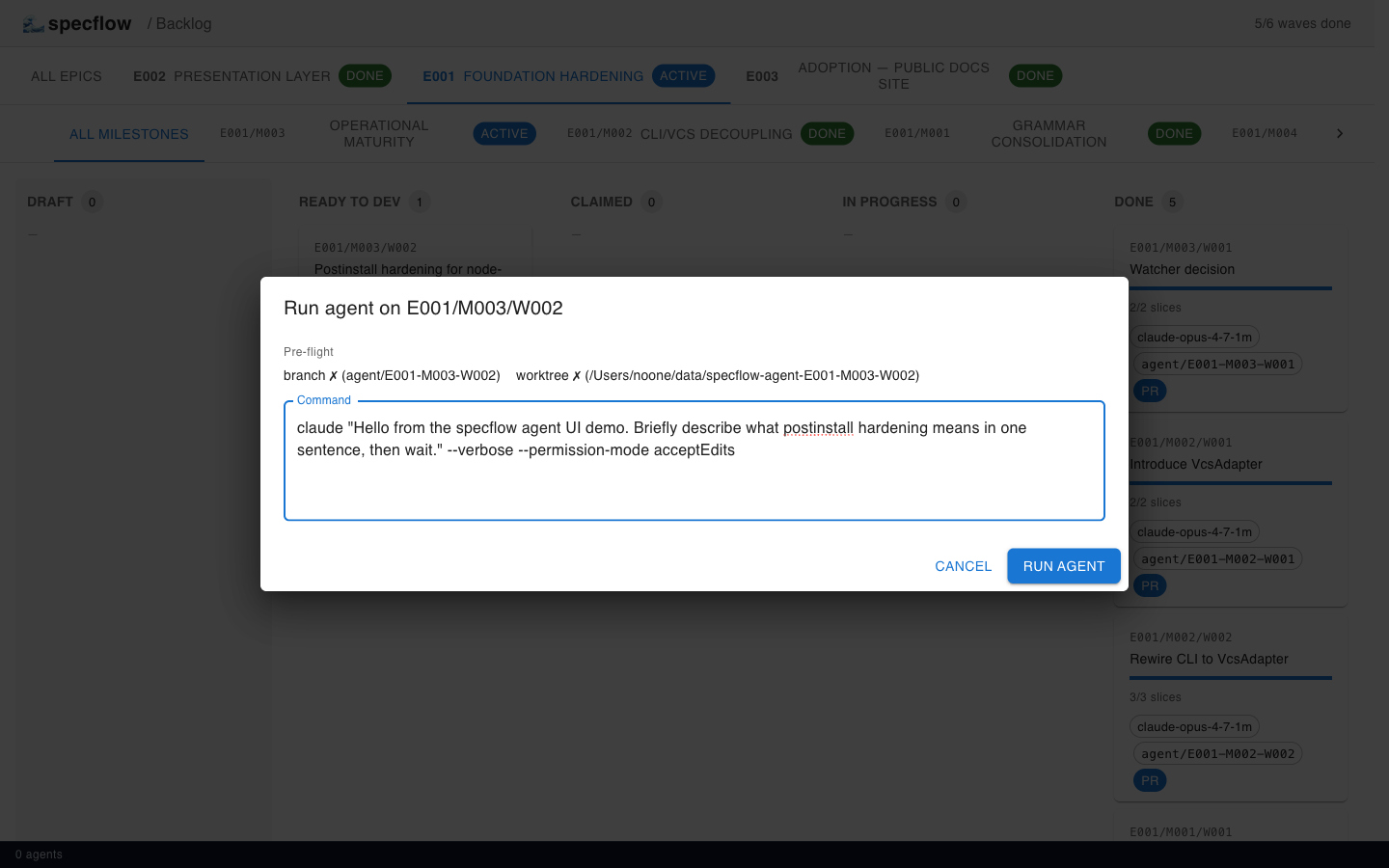
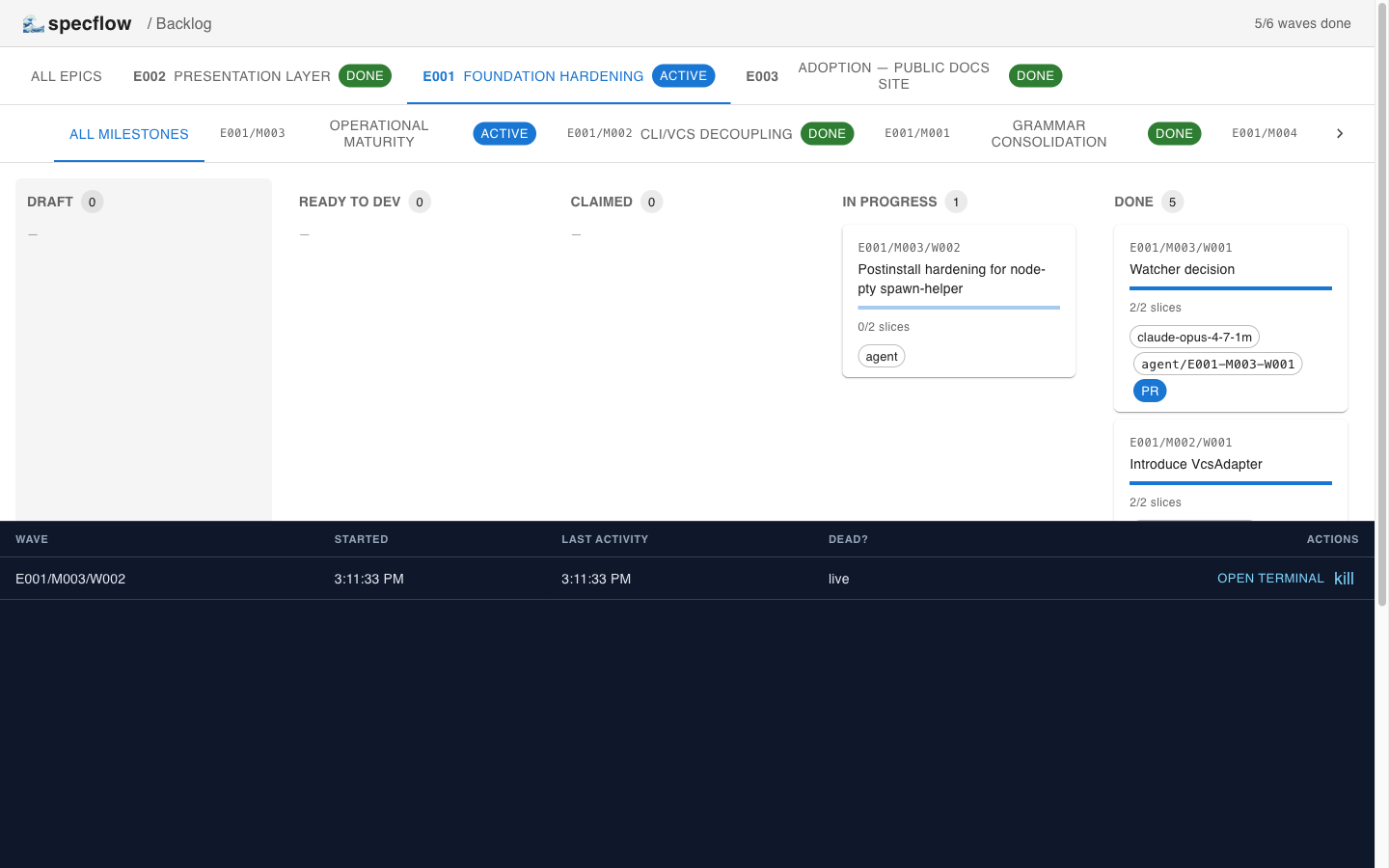
Run agent (or status in_progress from the CLI) flips the wave to in_progress. The agent drawer at the bottom of the UI tracks every live tmux session; clicking OPEN TERMINAL attaches the pty to a browser xterm.
done
done --branch … --pr … (Gate 2) requires every slice marked done. The card carries the agent id, branch, and PR link.